Dreamega

FLUX.2 [flex]

Black Forest Labs' next-generation customizable model with adjustable inference steps, guidance scale, and superior text rendering capabilities for granular creative control in professional image generation.

Explore All AI Models
Blackforestlabs Flux
Reel · Specifications

What's FLUX.2 Flex

Next-generation customizable AI image model with adjustable inference and guidance for maximum creative control

  1. · 012-50Steps
  2. · 02CustomControl
  3. · 03MultiReference
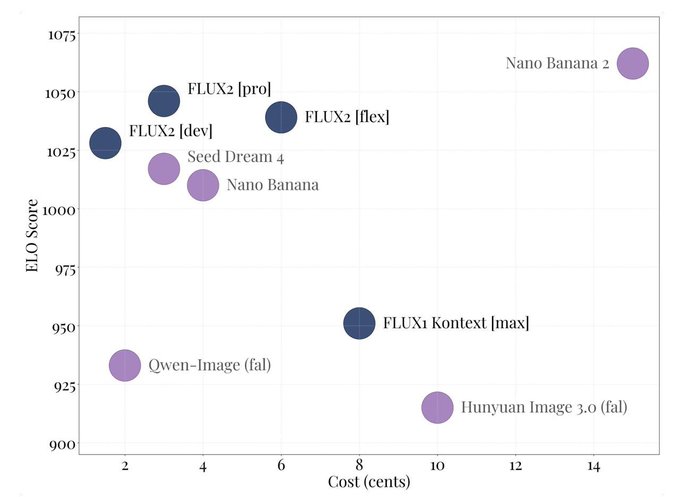
  4. · 046¢/MPPrice

FLUX.2 Flex puts creative control in your hands with adjustable inference steps (2-50) and guidance scale (1.5-10), allowing you to fine-tune the balance between speed and quality.

How to Use FLUX.2 Flex for Text-to-Image

Master flexible AI image generation with FLUX.2 Flex

Enter Your Creative Prompt

Write a detailed prompt describing your desired image. Enable prompt expansion for enhanced descriptions and better generation results.

FLUX.2 Flex YouTube Videos

Watch demonstrations and tutorials showcasing Black Forest Labs FLUX.2 Flex's flexible AI image generation capabilities

  • Flux.2 in ComfyUI - Local & Cloud Deep Dive - ComfyUI
  • Wake up babe, a dangerous new open-source AI model is here - Fireship
  • Flux.2 Has Landed! Is It the Open Source King? - Theoretically Media
  • YouTube video -
  • Flux 2 Released! Is Nano Banana Pro already Obsolete? - Bob Doyle Media
  • The best AI image editor just dropped! - AI Search
  • YouTube video -
  • YouTube video -
  • From Flux to Flex: Testing the NEW Redux Model - My AI Force
  • BEST AI Image Generator & AI Image Editor- Flux Kontext - Dan Kieft

FLUX.2 Flex YouTube Videos

Watch demonstrations and tutorials showcasing Black Forest Labs FLUX.2 Flex's flexible AI image generation capabilities

FLUX.2 Flex Popular Reviews on X

See what people are saying about FLUX.2 Flex on X (Twitter)

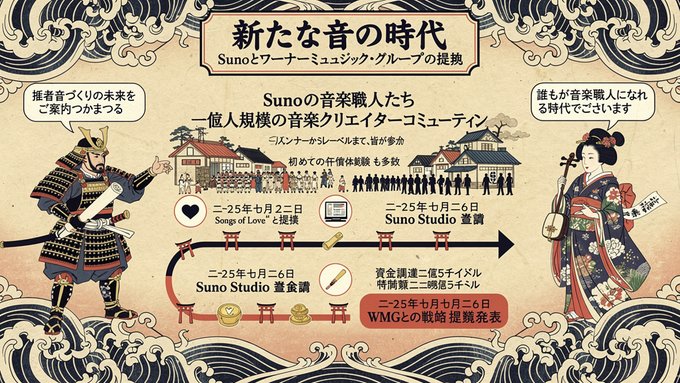
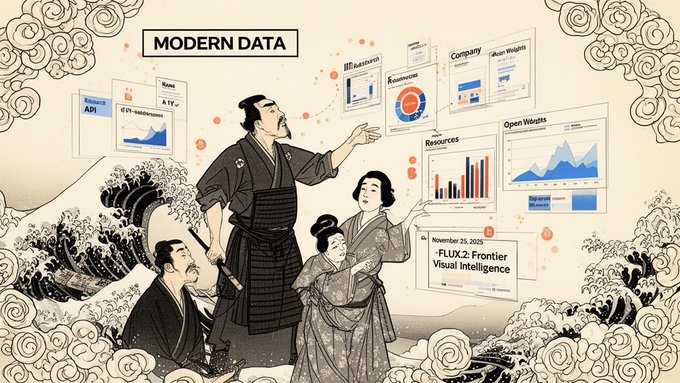
fal-ai/flux-2 pro で葛飾北斎プロンプト使ってみた!! やっぱりproの方が結構言うこと聞いてくれてそう! *解像度を上げれば文字の崩れは解消できるかも??

Image
Maki@Sunwood AI Labs.
@hAru_mAki_ch

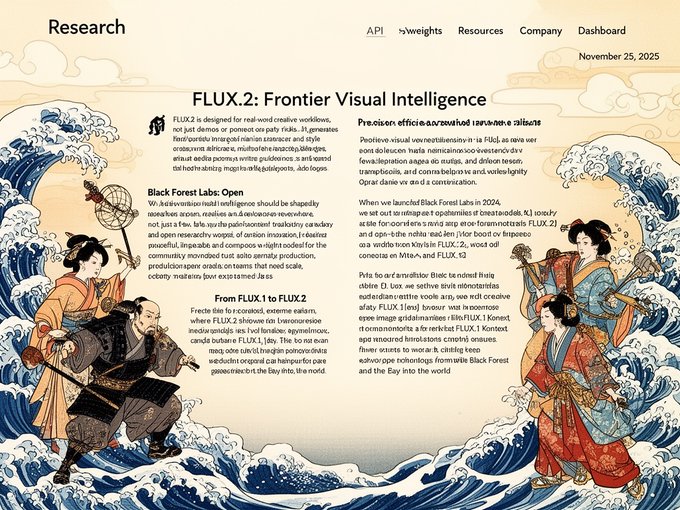
fal-ai/flux-2 dev で葛飾北斎プロンプト使ってみた!! これはこれでスタイリッシュな浮世絵風でカッコいい!!

Image
Image
Image
6
Reply
FAQ

FLUX.2 Flex Frequently Asked Questions

FLUX.2 Flex is Black Forest Labs' versatile and cost-effective text-to-image AI model, designed for creators who need flexibility and control over the generation process. Unlike FLUX.2 Pro's fixed premium configuration, Flex allows you to adjust inference steps and guidance scale, trading speed for quality based on your specific needs. It's ideal for rapid prototyping, experimentation, iterative workflows, and budget-conscious projects where you want to optimize between generation speed and output quality. Flex offers excellent value while maintaining high-quality results across various creative applications.
Inference steps determine how many refinement iterations the AI model performs during image generation. Lower step counts (10-20 steps) generate images faster but may have less detail and polish, making them perfect for quick drafts and concept exploration. Higher step counts (30-50 steps) take longer but produce more refined, detailed, and visually cohesive results with better prompt adherence. FLUX.2 Flex supports 10-50 inference steps, allowing you to balance speed versus quality. For final deliverables, use 40-50 steps; for rapid iteration, 15-25 steps offer a good middle ground.
Guidance scale controls how closely the generated image follows your text prompt. Lower values (2-4) give the model more creative freedom, producing artistic variations and unexpected interpretations—great for exploratory, abstract, or stylistic work. Higher values (6-10) enforce stricter prompt adherence, generating images that precisely match your description—ideal when you need specific subjects, compositions, or details. FLUX.2 Flex supports guidance scale from 2.0 to 10.0. Start with 5-6 for balanced results, increase for more control, or decrease for more creative liberty and organic aesthetics.
Prompt expansion is an intelligent enhancement system that automatically enriches your prompts with additional descriptive details, stylistic cues, and contextual information. When enabled, it analyzes your input and augments it with relevant artistic terminology, atmospheric descriptions, lighting details, and compositional suggestions—transforming simple prompts into comprehensive creative briefs. This is particularly valuable for beginners or when you want richer, more detailed outputs without crafting complex prompts manually. Disable it when you need precise control over exact wording or have carefully crafted prompts that shouldn't be modified.
FLUX.2 Flex costs 5 credits per image generated, making it the most economical option in the FLUX.2 family—50% less than FLUX.2 Pro. This competitive pricing, combined with adjustable quality parameters, makes it perfect for high-volume workflows, experimentation, learning, and budget-conscious projects. You can generate twice as many images for the same credit investment, or use saved credits for higher-quality premium models when needed. Flex delivers exceptional value for creators who want professional AI image generation without premium pricing constraints.
Use FLUX.2 Flex for: iterative design workflows where you need multiple variations, rapid prototyping and concept exploration, learning and experimentation, projects with flexible deadlines, and when budget efficiency is important. Use FLUX.2 Pro for: final deliverables requiring maximum quality, client-facing professional work, complex photorealistic rendering, projects demanding absolute consistency, and when you need the highest fidelity with multi-reference support. Many creators use Flex for ideation and exploration, then switch to Pro for final production—combining the cost-efficiency of Flex with Pro's premium quality where it matters most.